


Install or open.
Use the official store for your device, or Continue on Web. Open NearPados and choose your language when prompted.
Updated September 2026
A local discovery. A collaboration nearby. A Pujo page you can share. Carry NearPados wherever you go—on iPhone, iPad, Android, or Web.
Official store links. No sign-in needed to choose a download.
Device compatibility and regional availability are shown by your store.

Scan. Choose your store. Explore.
Scan from your phone’s camera to open this page. Choose App Store, Google Play or Continue on Web. Share the same code with a neighbour or display it at your business.
Always points to nearpados.com/download.
From download to discovery
Use the official store for your device, or Continue on Web. Open NearPados and choose your language when prompted.
Review the Terms, choose an available sign-in method and finish your profile. Use the same sign-in method to return to the same account.
Use current location with permission, a saved area or a manual locality. Ask a question, open Collab Suite, or share a Pujo page.
In the app
Find creators, brands, shops, Pujo committees and community groups nearby. Send a request and continue together in a group chat.
Each registered Pujo has photos, updates and its own share page. Digital Anudaan, when the committee adds it, goes straight to their account.
An area estimate around a pandal, not a count of people. A missing reading means we do not have a live signal yet.
For shops, outlets & local brands
Grow on your terms: list your shop, add outlets and partnerships, market with a location radius around the places you serve—and next, turn storage into sellable presence on NearPados.
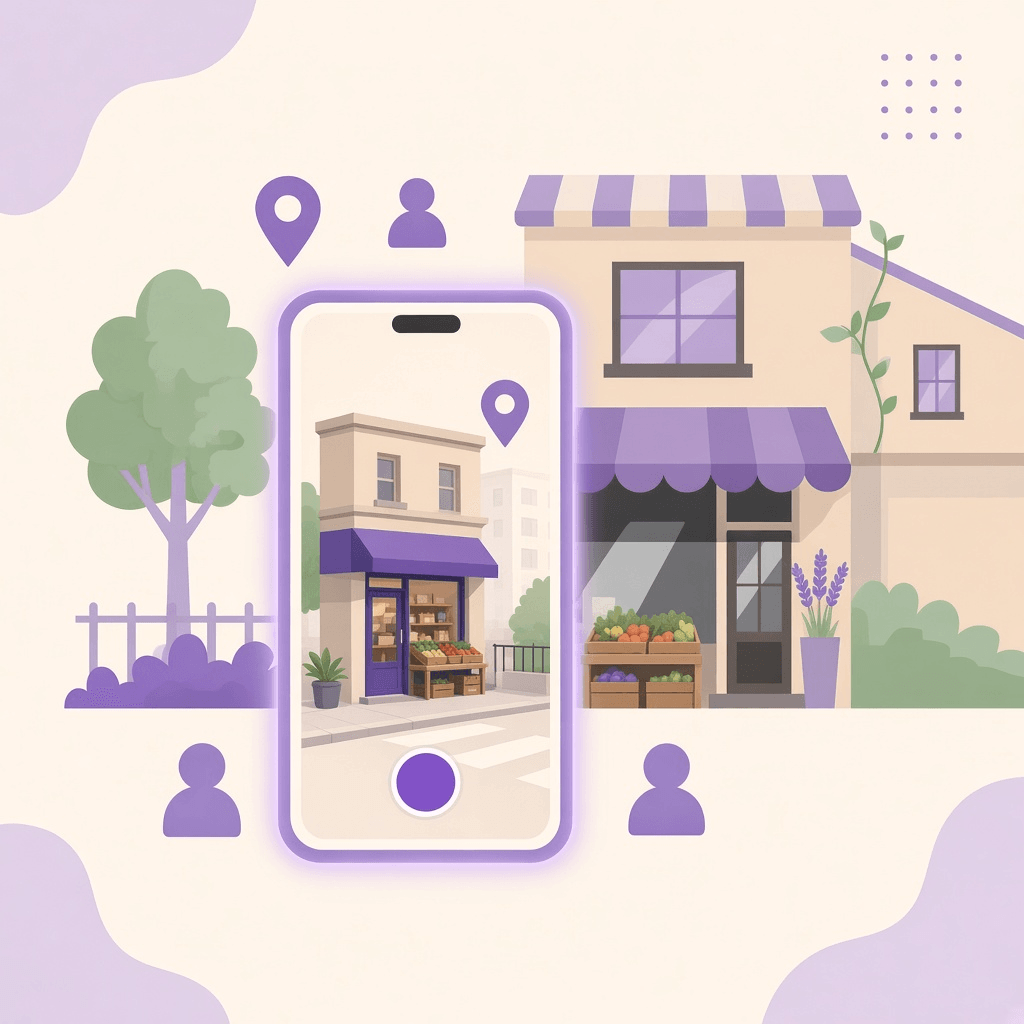
01 · Add your business
A street shop, a plumber, an electrician or a local brand: create a NearPados listing with your real service and place. AI can draft from a photo; you review every fact before anything goes live.
Grow discovery where people already look nearby—with a location radius you control.
Business onboarding guide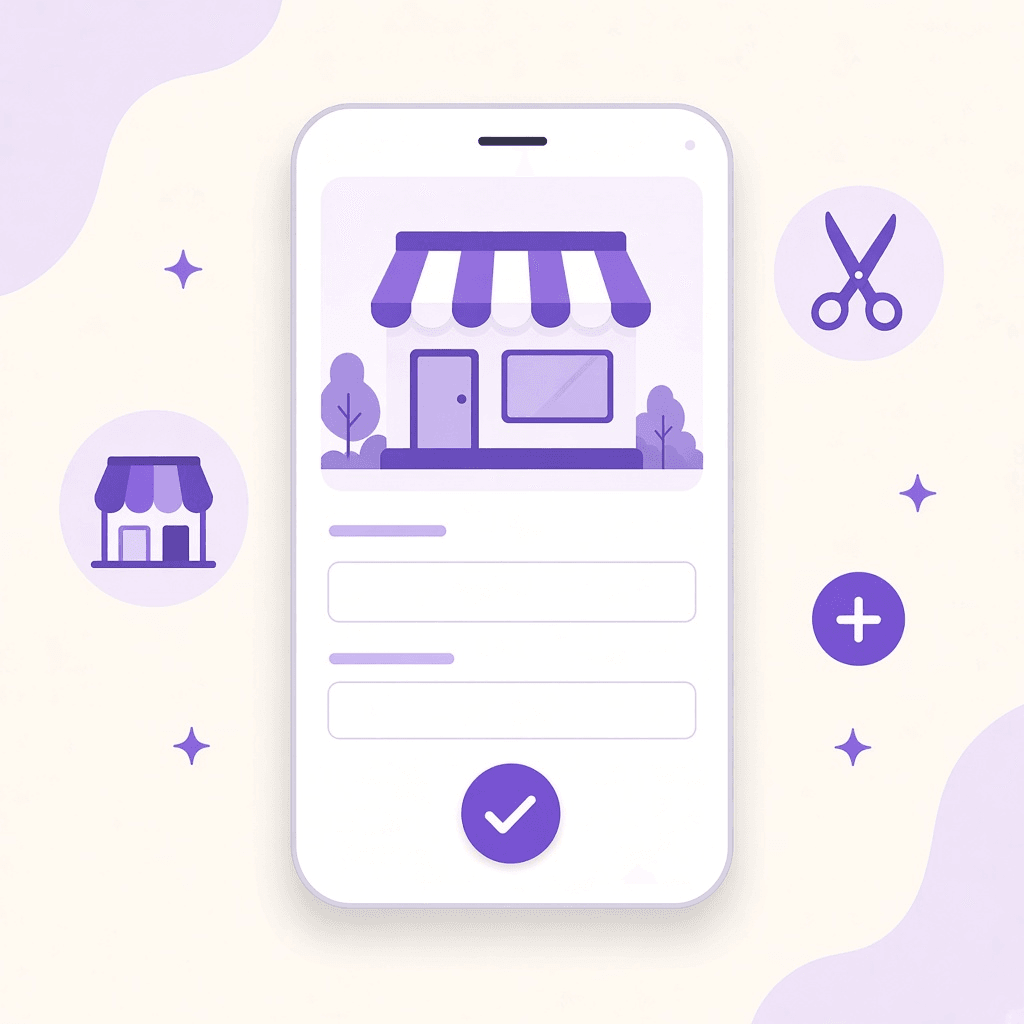
Photo, voice or text—confirm name, category and contact.
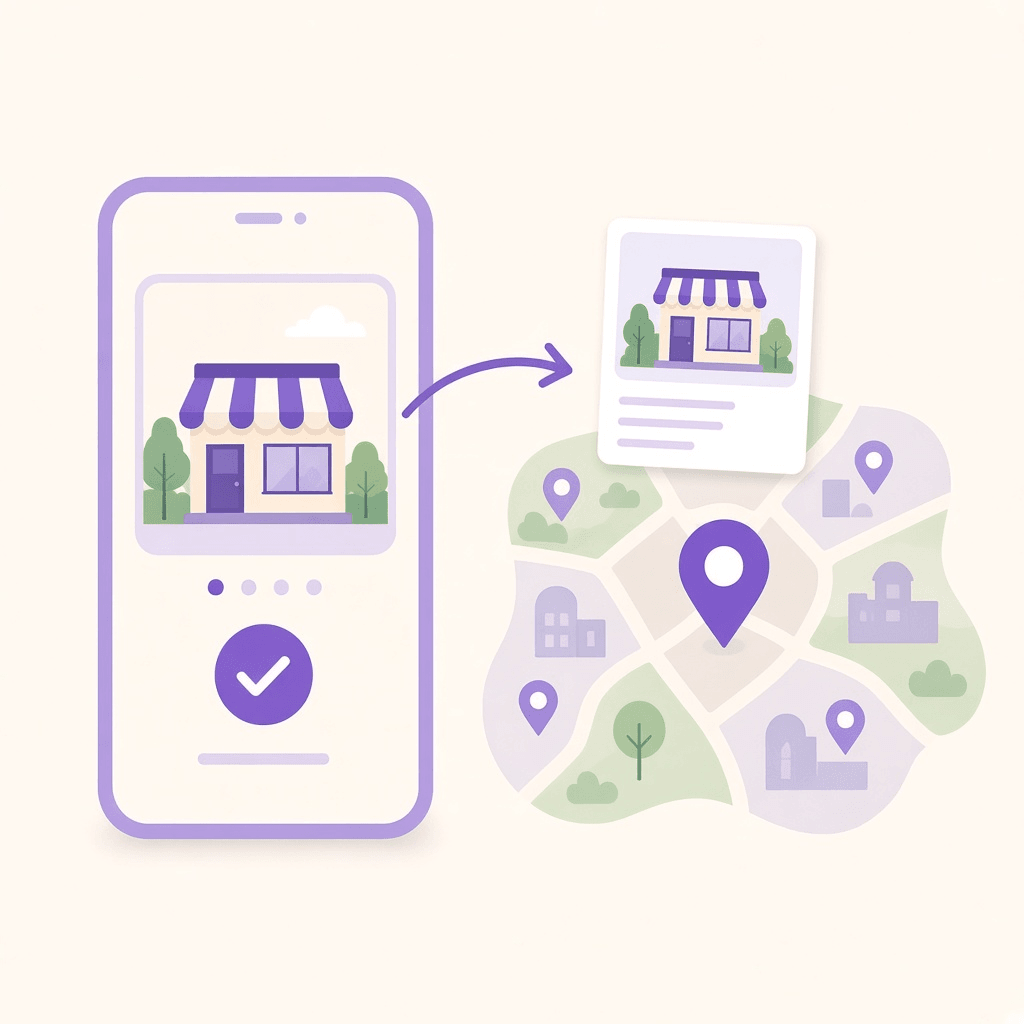
Place the listing where neighbours should find you on the map.
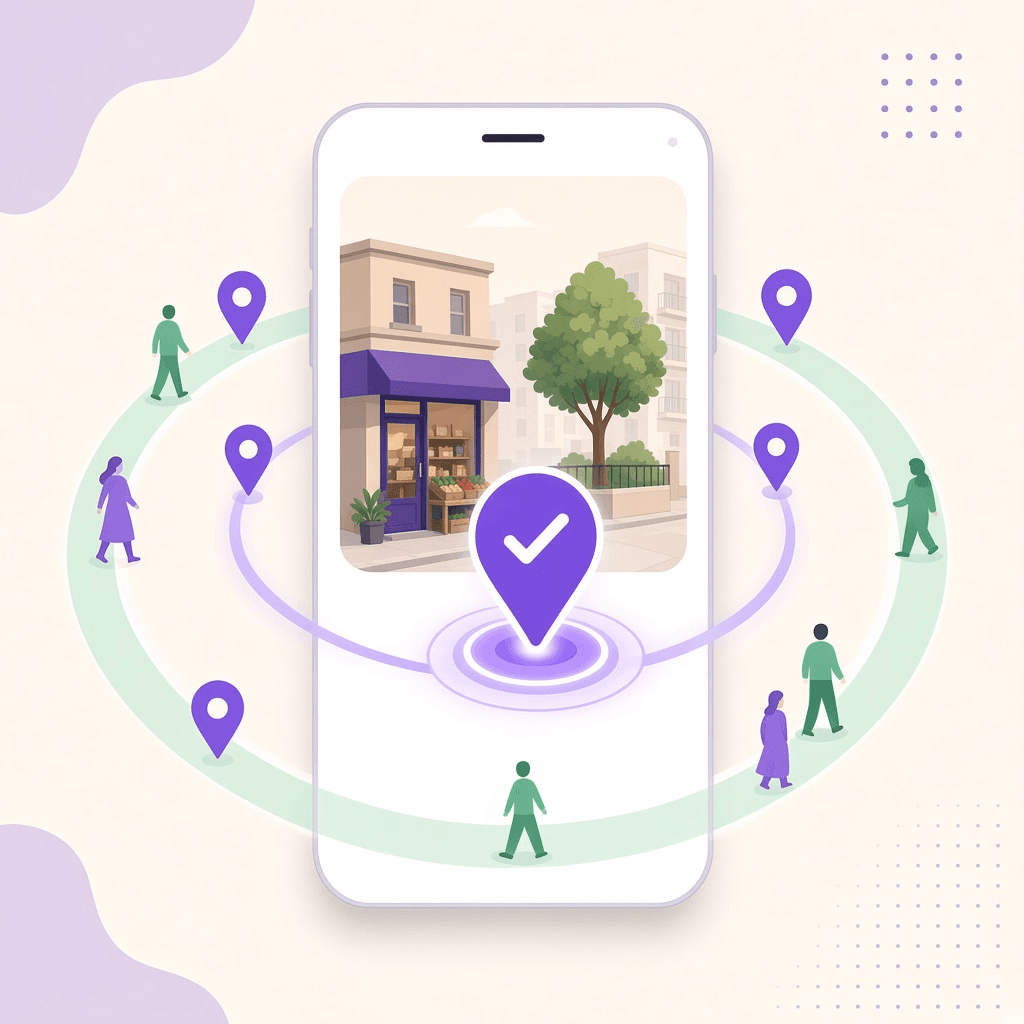
Publish when ready. Then grow with outlets and partnerships.
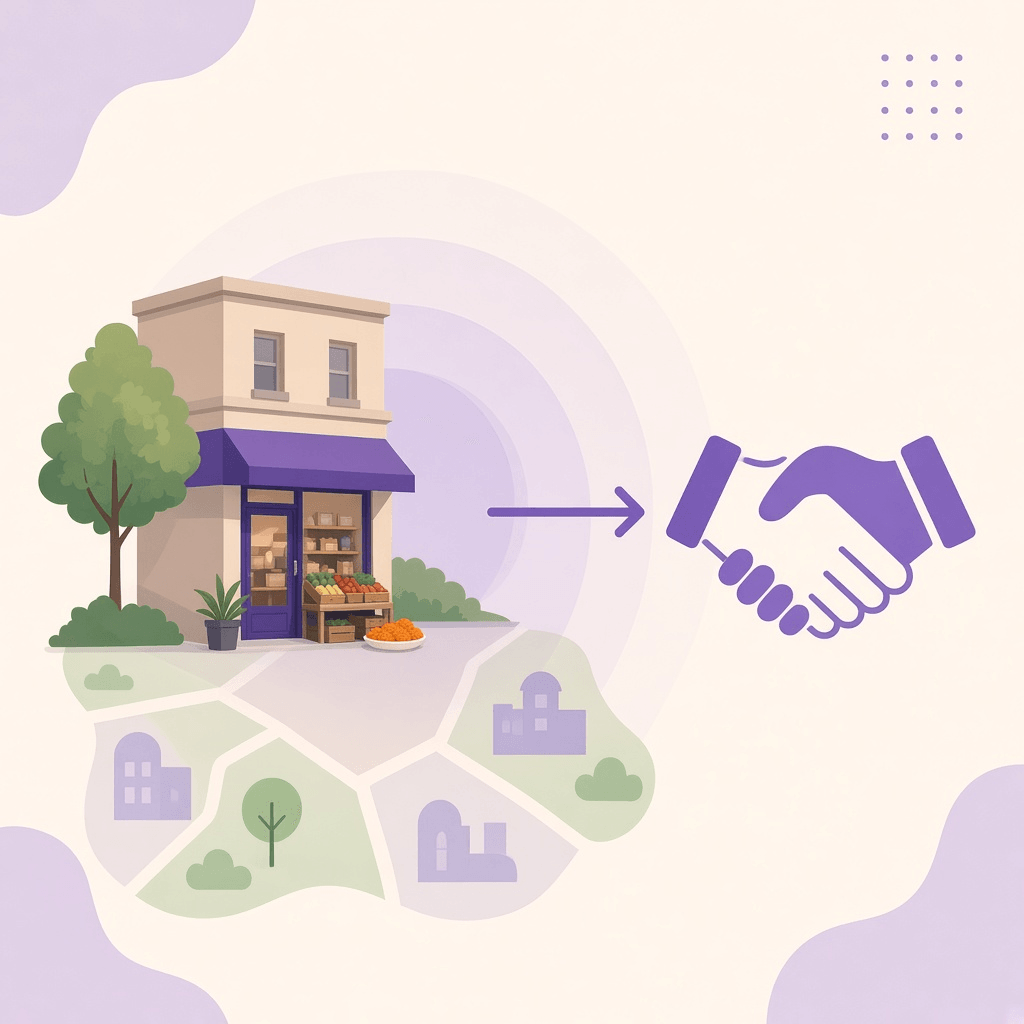
02 · Outlets & partnerships
Add neighbourhood outlets or service points from Your Business Dashboard. Propose a collaboration with another NearPados business so a joint offer reaches people around the places you both serve.
Expand presence across real locations—and co-promote with shops nearby.
Talk about a collaboration
Pin each shop or service point you want neighbours to discover.
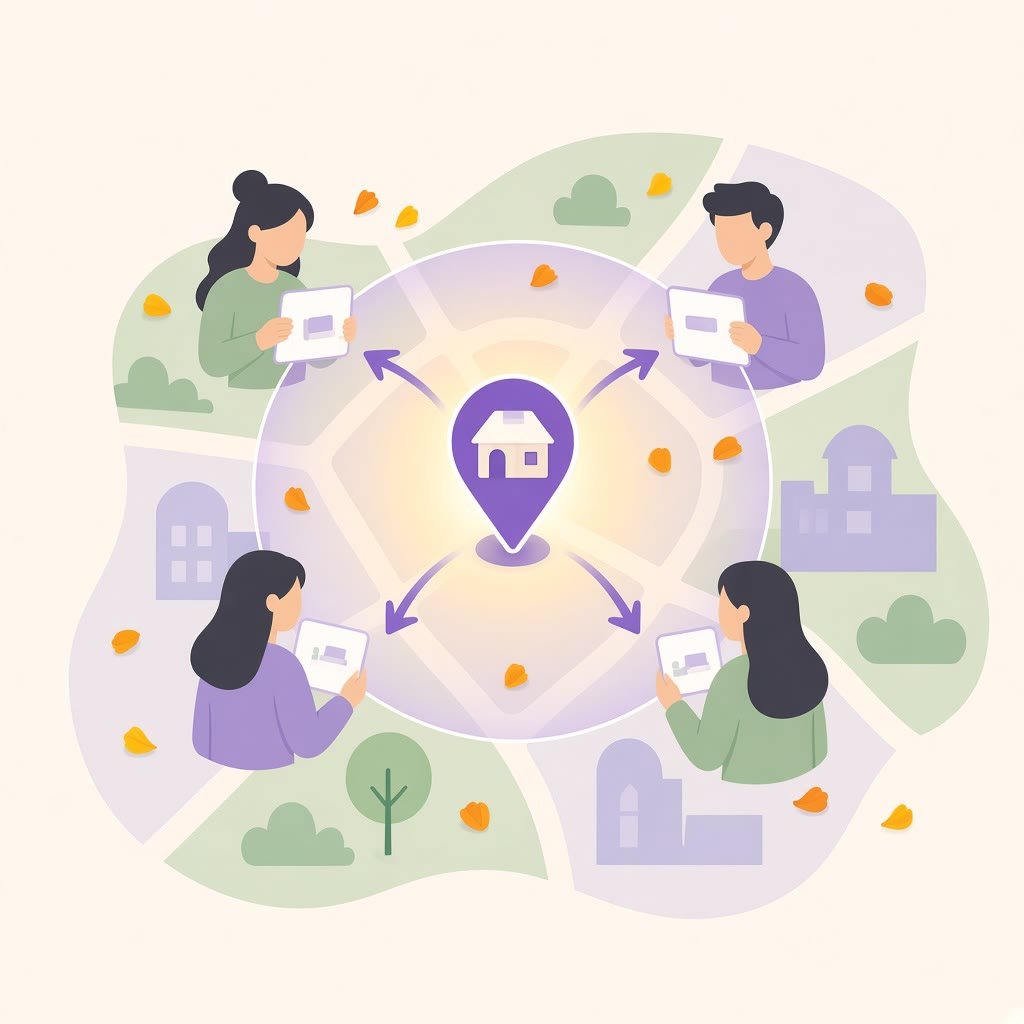
Draft a collaboration with another listing in the same neighbourhood.
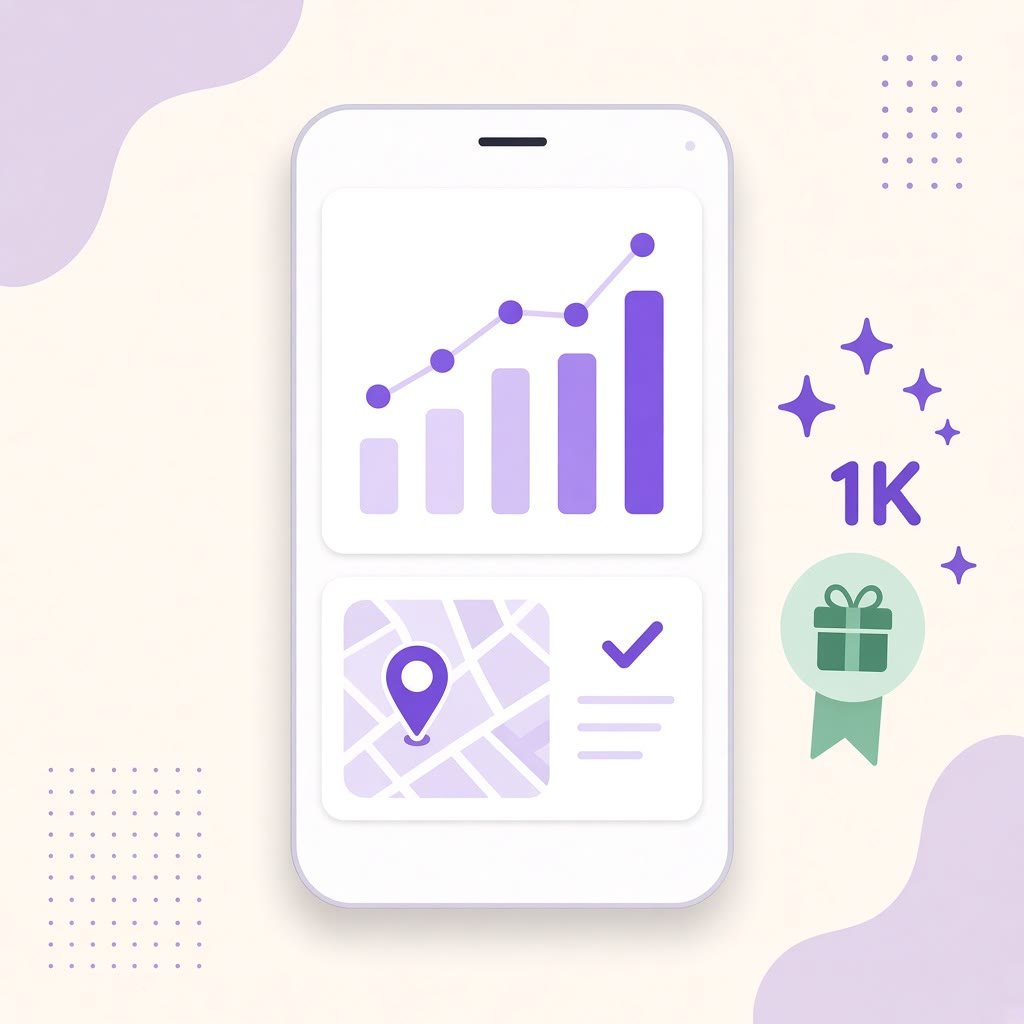
Review available business activity for reach and engagement.
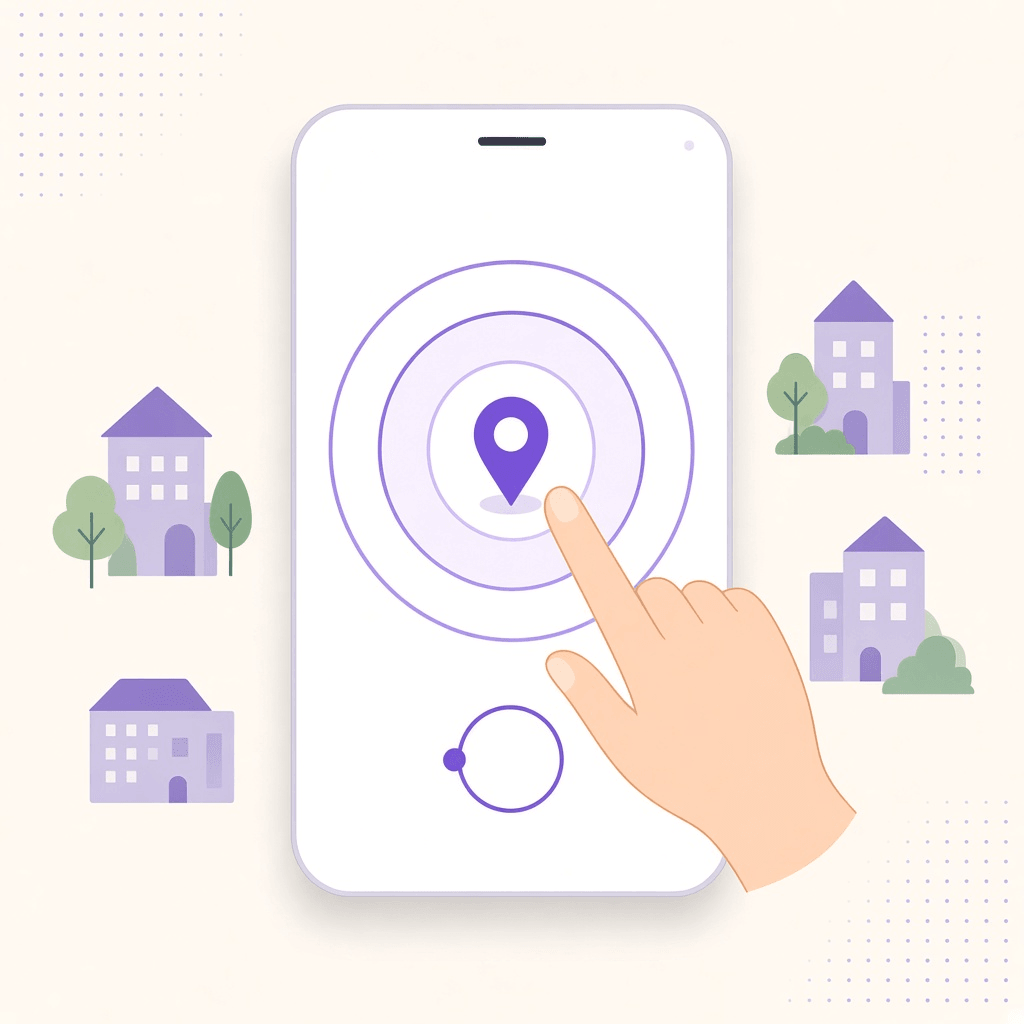
03 · Radius-based marketing
Offer campaigns use location radius and dates around a selected outlet. You choose how far to grow from each shop—tight for one counter, wider as you add outlets. Eligible, opted-in neighbours can see a relevant offer nearby—and during Pujo when that context applies. Crowd Pulse stays separate.
Freedom to grow: set the location radius that matches your ambition for each outlet.
Offers & radius guide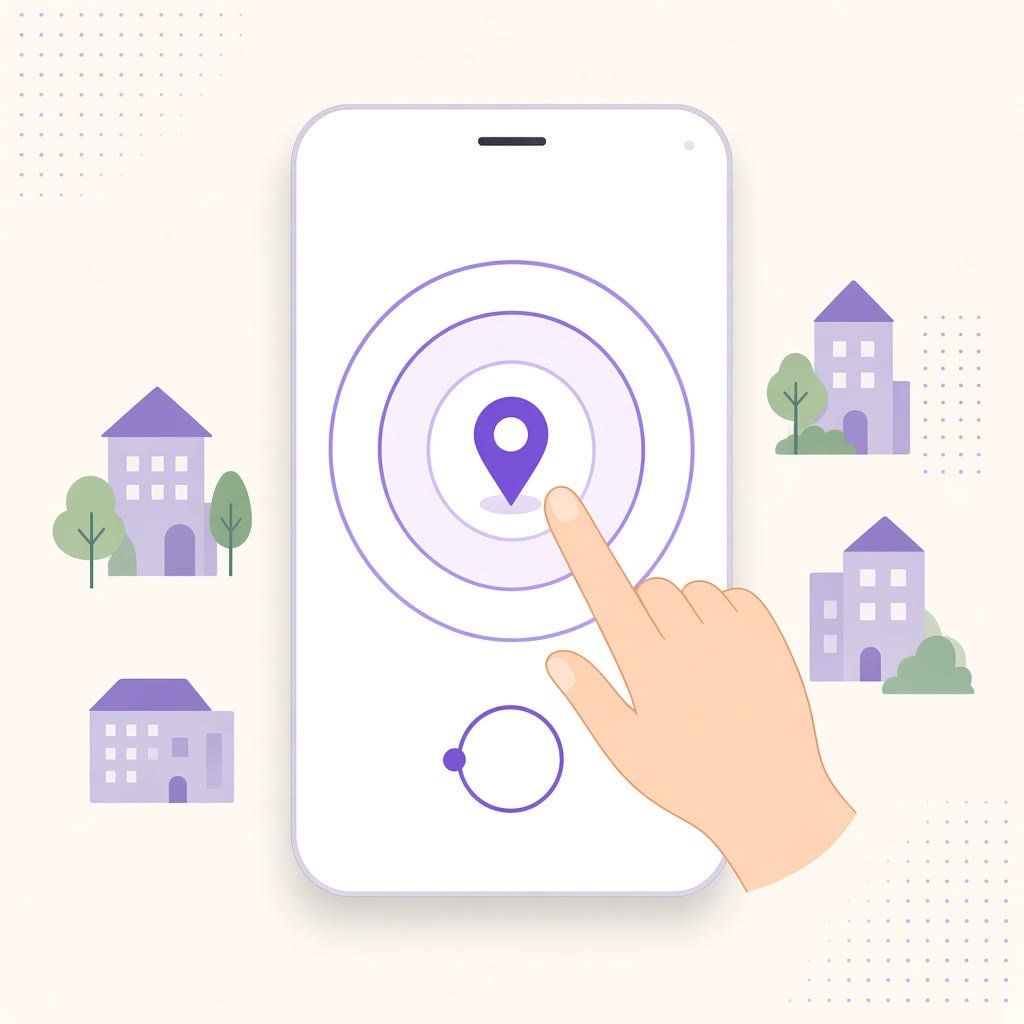
Set how far an offer reaches from each outlet—your location radius, your growth.
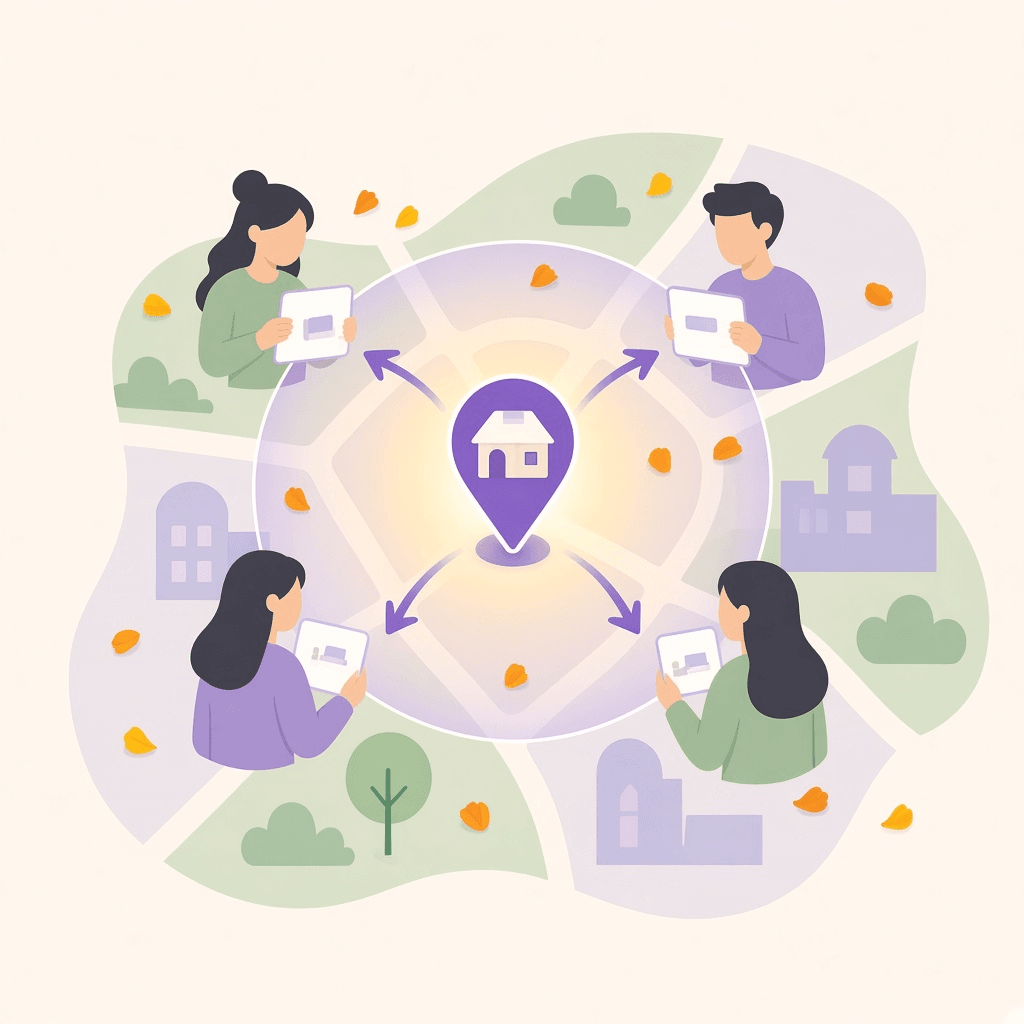
Eligible campaigns can notify opted-in neighbours in that radius.
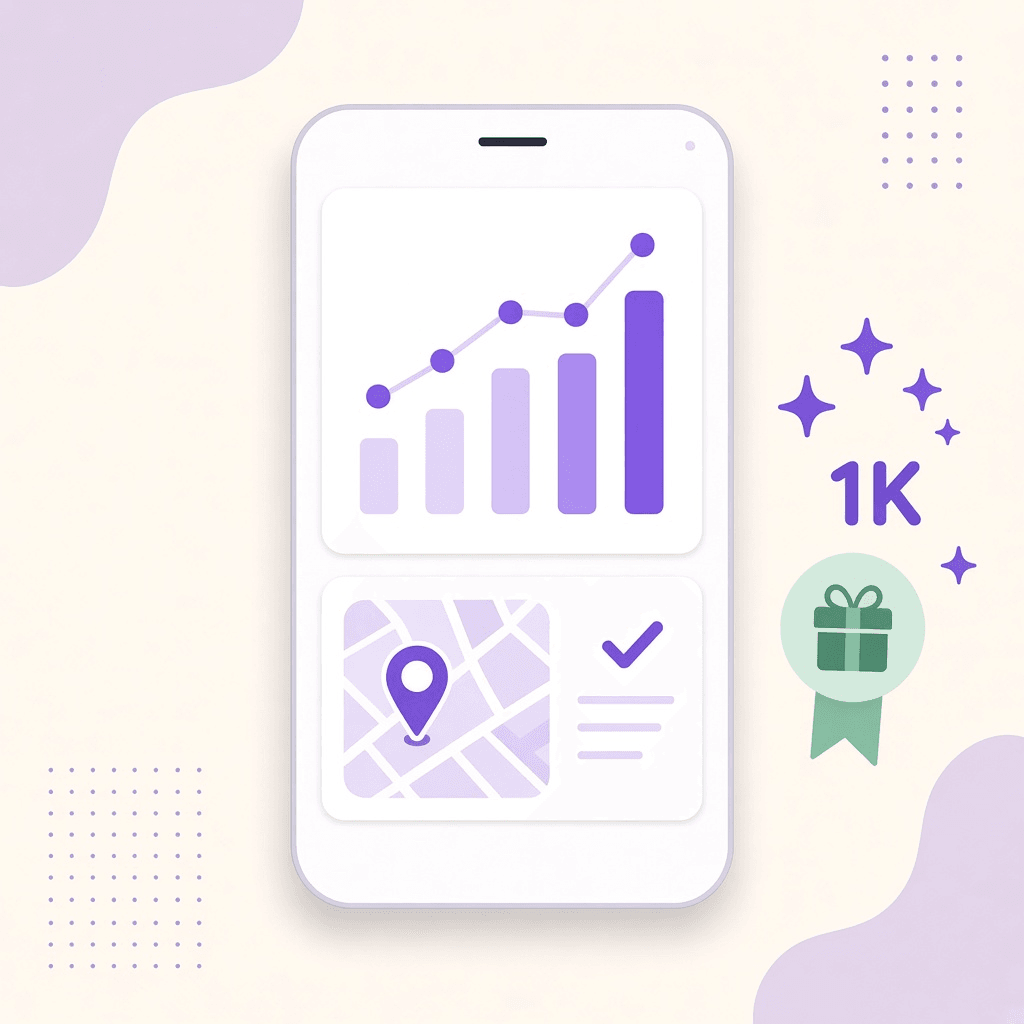
Views and delivery are signals—not a promise of visits or sales.
04 · Storage hub & sell (next)
Anyone with stock—a shop storeroom, a neighbourhood warehouse, or a brand buffer—can list what they hold and sell through the NearPados platform. FMCG and local brands can place inventory in trusted hubs and reach neighbours with the same location-radius tools shops already use.
Turn storage into sellable presence: stock holders grow sales; brands get neighbourhood reach.
Start with a listing today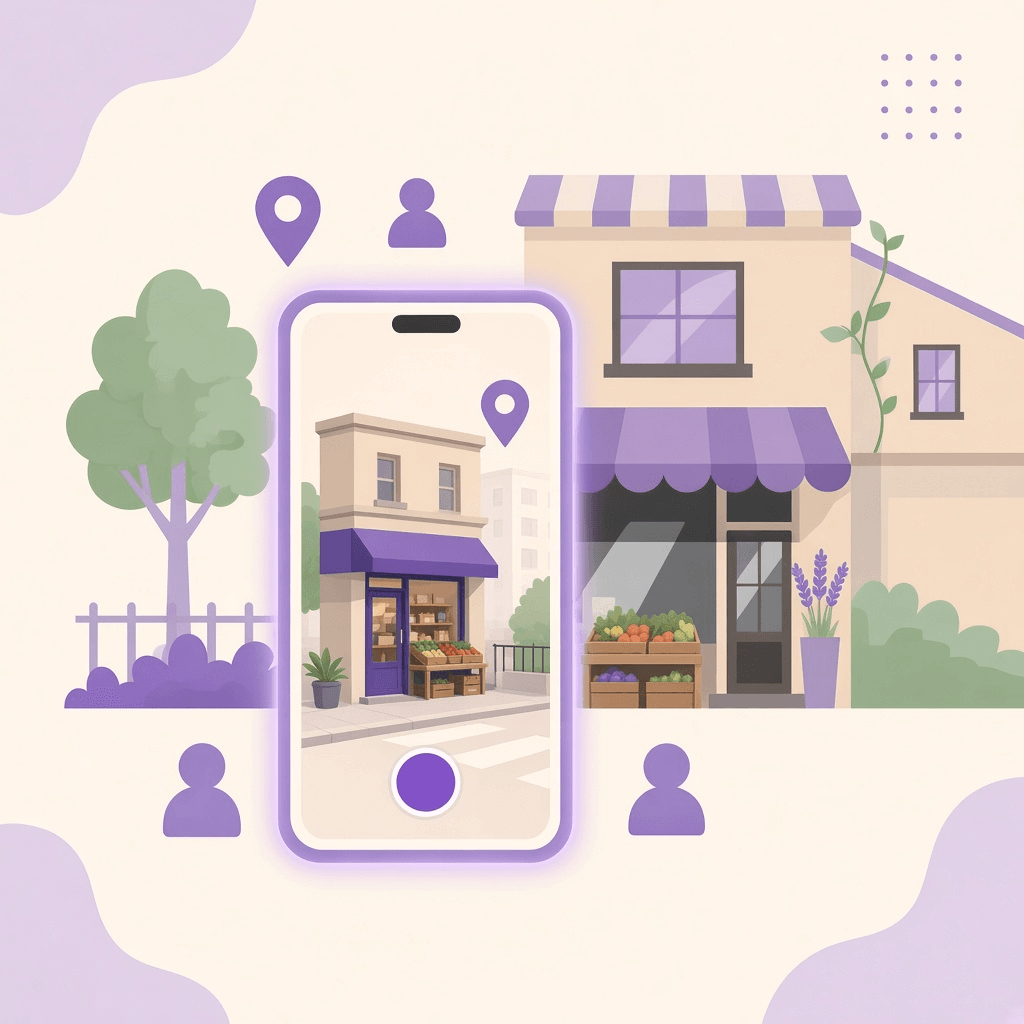
Shops, hubs and stock holders publish real inventory—not empty catalogues.
Reach neighbours around the hub with the same location-radius offers.
FMCG and local brands can place stock where demand already lives nearby.
Feature availability depends on your account, area and app version. Adding a listing does not automatically verify a business. Campaign delivery depends on eligibility, preferences and permissions.
If a store link does not open, use the in-app browser’s menu to open this page in Safari or Chrome. The store buttons and Continue on Web remain available; this page never sends you into an automatic redirect loop.
More download help ↗