
Nearby Now
Available local moments, people, offers and community activity, brought together around your chosen area. Freshness labels help you decide what is relevant.
See what’s around youWelcome to NearPados
NearPados ↔ ‘No Problem’
Good things begin with a hello. Yours could be just around the corner.
Meet your neighbourhoodMeet NearPados · Made for nearby
Find the help you need. Discover the places you’ll love. Connect with the people around you. Your neighbourhood, brought together in one app.
For iPhone, iPad, Android & Web
“An electrician near me?”
Less distant scrolling. More useful nearby.
NearPados connects local context to a useful next step. Discover a place, find help, join a conversation or support a neighbourhood business—not just another post to scroll past.
Available local moments, people, offers and community activity, brought together around your chosen area. Freshness labels help you decide what is relevant.
See what’s around youYour view of the neighbourhood, shared with context. On mobile, turn a photo, short video or text into a local update. Review AI suggestions before sharing.
Learn how to shareSocial for people and community conversations. Business for service and business conversations. Keep the reason for connecting close to the chat.
Get to know messagingLocation → freshness → people & places → trust → action.
A way to understand the experience, not a claim that every signal is available everywhere.
A few small steps. A real-world difference.
Start here—no product jargon required. Open a guide for the steps, then try it in the app. Feature availability depends on your area, account and app version.
Illustrative request: ‘An electrician near me for a fan repair.’
Ask NearPadosIllustrative moment: share a useful neighbourhood update, then talk with people it matters to.
Explore Nearby NowAn estimate is not an exact crowd count. Schedules and conditions can change.
Sign in to explore PujoFor a shop, plumber, electrician or mason: your real service and location matter. AI drafts; you verify.
Add Your BusinessNew here? Install, sign in and choose your location. Prefer a deeper walkthrough? Browse the complete help centre.
One street shop. Several outlets. A larger brand.
NearPados helps a business become discoverable where it can be useful. A clear listing, the right outlet or service point, and a relevant offer connect an online presence to a real place.
For brand collaborations, the existing offer campaign tools bring together selected businesses, locations, radius and dates. Multi-location collaborations can be coordinated with Admin—without asking a business to select arbitrary users.
A business photo can help extract listing details. The owner reviews, edits and confirms them. AI does not guarantee accuracy, publish unreviewed facts or promise customers.
NearPados-developed campaign logic checks distance from the selected outlet or campaign point against its radius, using eligible location context. Active dates, notification preferences, blocks, account status and frequency caps also matter.
Eligible campaigns can deliver in-app notifications and queue mobile push notifications, linking to the exact offer or business. Delivery depends on permissions, device tokens and service availability. No continuous background tracking is required.
Business and Admin tools surface campaign activity such as audience, delivery and recorded engagement. Views or clicks are not a promise of visits or sales. Partnership access and campaign controls depend on your role.
A shared place. A useful skill. An upcoming event. A question someone nearby can help answer. NearPados makes room for these connections alongside local stories—not a promise to replace your offline judgement.
Choose what you share, check who you’re talking to and keep Report, Block and Community Guidelines close at hand.
Less searching. More discovering.
From a plumber around the corner to a conversation down the street, NearPados connects useful local discovery with everyday community life.
Ask NearPados for local services in your own words. Your request and chosen area help shape business options and useful next steps.
Meet Ask NearPadosNearbyNow brings together available local moments, community updates, business offers and Pujo activity. Check freshness and explore what’s relevant.
Explore NearbyNowUse Local Lens on web or mobile for a photo, short video or text update. Preview it, confirm the facts and share your local perspective.
How Local Lens worksJoin neighbourhood discussions, reply to a thread and discover eligible nearby people. Start a chat where available, with reporting and blocking close at hand.
Explore CommunityExplore published stories and reels, or use creator tools to share your own. Local moments belong alongside the places and communities behind them.
See local storiesInstagram makes you famous. NearPados brings the people nearby, wherever you are or wherever you choose.
For creatorsCollab Suite matches you with creators, brands, shops, Pujo committees and community groups nearby. Say what you want to do, then send a request and continue in a group chat.
Open Collab SuiteEmergency Hub brings local information and coordination together. In immediate danger, contact official emergency services first.
Open Emergency HubIntroducing NearPados Crowd Pulse
Local signals. Smarter discovery. A more connected community.
Around supported Pujo venues, Crowd Pulse brings together available traffic context, recent local reports and privacy-protected activity signals to estimate crowd pressure.
An estimate, not an exact headcount. Coverage and freshness vary. No live reading does not mean the place is empty. Follow guidance from local authorities.
HOW TO READ IT · ILLUSTRATION, NOT LIVE DATA
When a reading is available, check the crowd level and when it was last updated before you plan the visit.
An area estimate, not a countBengal Heritage · Durga Puja 2026
Every Pujo registered on NearPados has its own page. Open it for photos, the latest updates, the place, and Crowd Pulse when a reading is available. Share that page with a unique code so people can see just that Pujo, without signing in.
A committee can add Digital Anudaan. The UPI id or collection QR opens the phone’s pay app, and the money goes straight to the committee account. NearPados does not hold it.
Listing coverage varies. Published venue schedules and general festival guidance are labelled separately; confirm timings with the organisers.
A few ways to make it yours
A tap is leaking. You’d like to find a plumber nearby, and see what your neighbourhood is talking about.
ILLUSTRATIVE SCENARIOFor businesses, outlets & independent services
A street shop, a plumber, an electrician, a raj mistri or a growing local brand: start with a business profile that explains your work and your location.
See how business onboarding works ↗Use a business photo or description where available, or enter details manually. Review AI-suggested details before confirming.
Manage your listing and outlets in Your Business Dashboard. Keep addresses, services and contact details accurate.
Set the eligible location, dates and terms. People see available nearby offers; notification preferences and delivery limits apply.
Find membership and referral workflows from your account or dashboard where available. Adding a listing does not automatically verify a business.
For shops, outlets & local brands
Grow on your terms: list your shop, add outlets and partnerships, market with a location radius around the places you serve—and next, turn storage into sellable presence on NearPados.
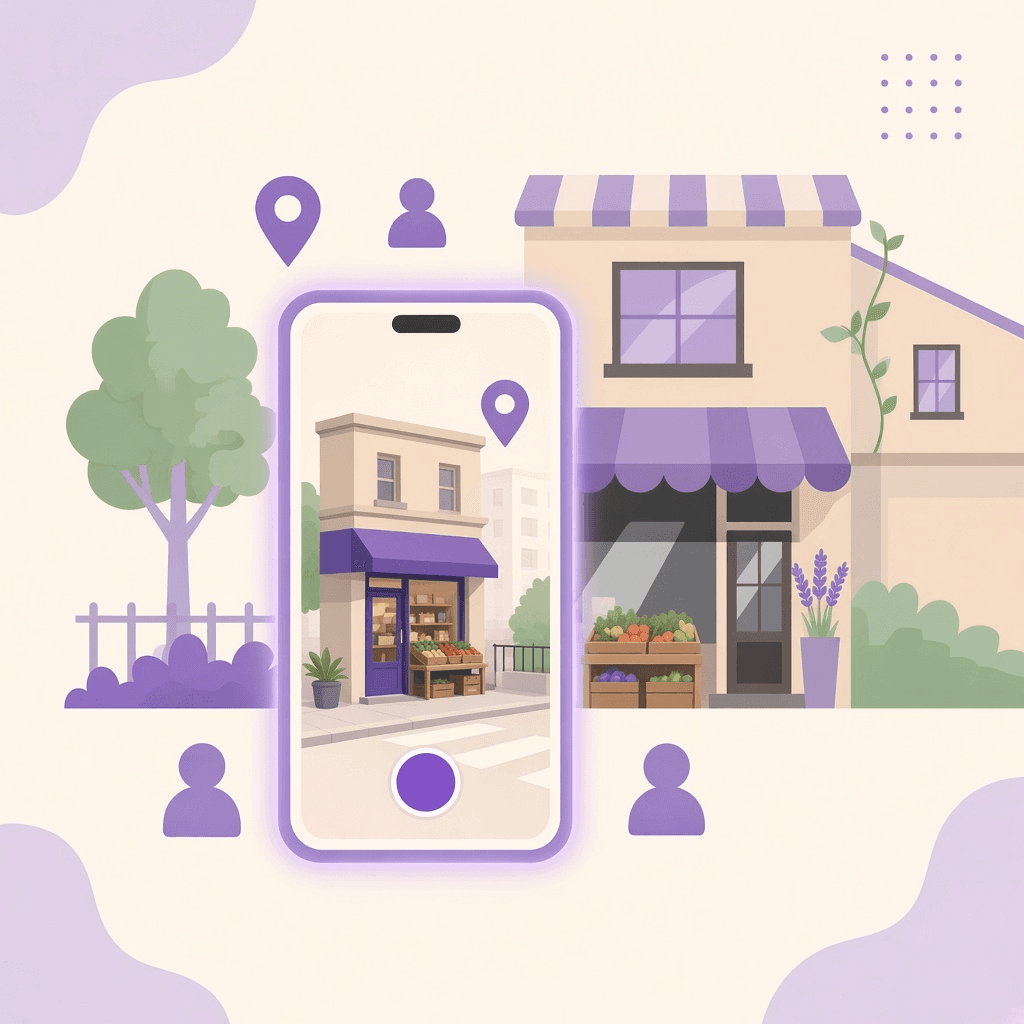
01 · Add your business
A street shop, a plumber, an electrician or a local brand: create a NearPados listing with your real service and place. AI can draft from a photo; you review every fact before anything goes live.
Grow discovery where people already look nearby—with a location radius you control.
Business onboarding guide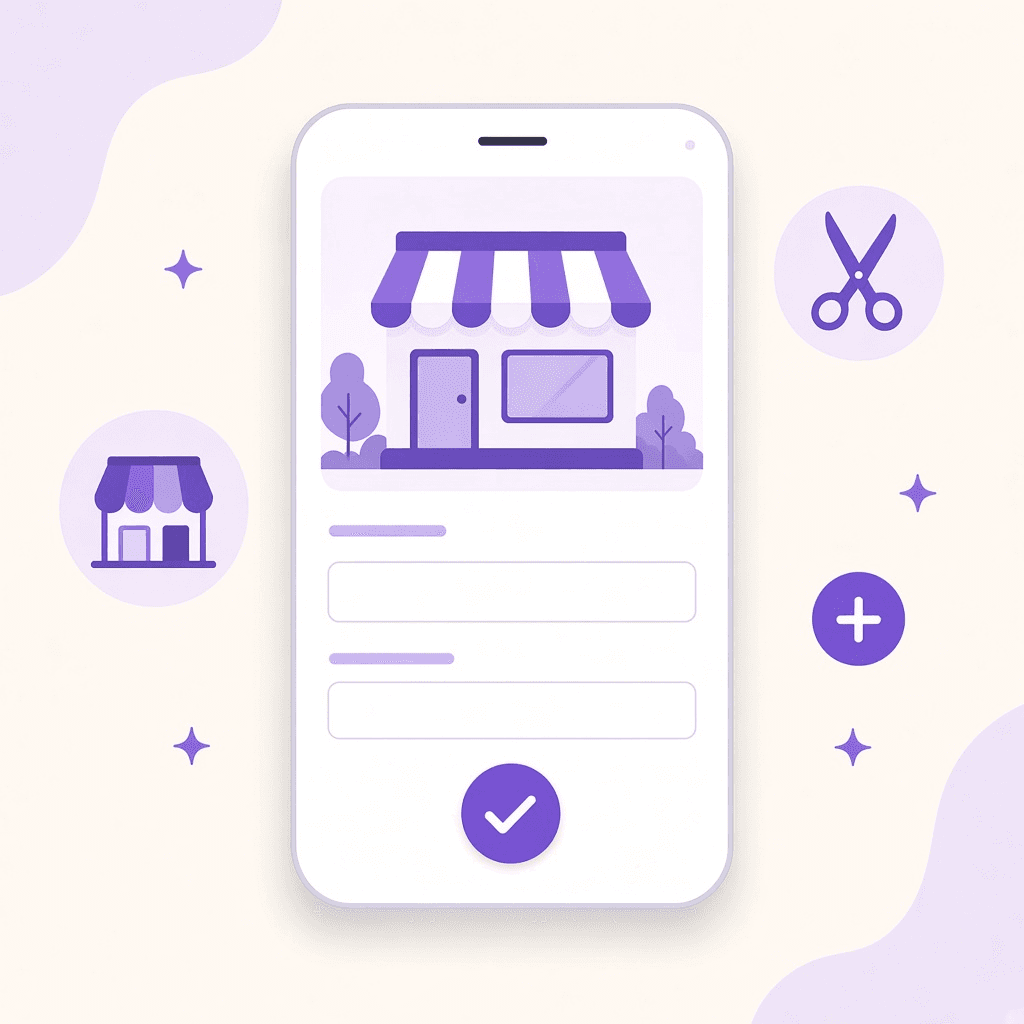
Photo, voice or text—confirm name, category and contact.
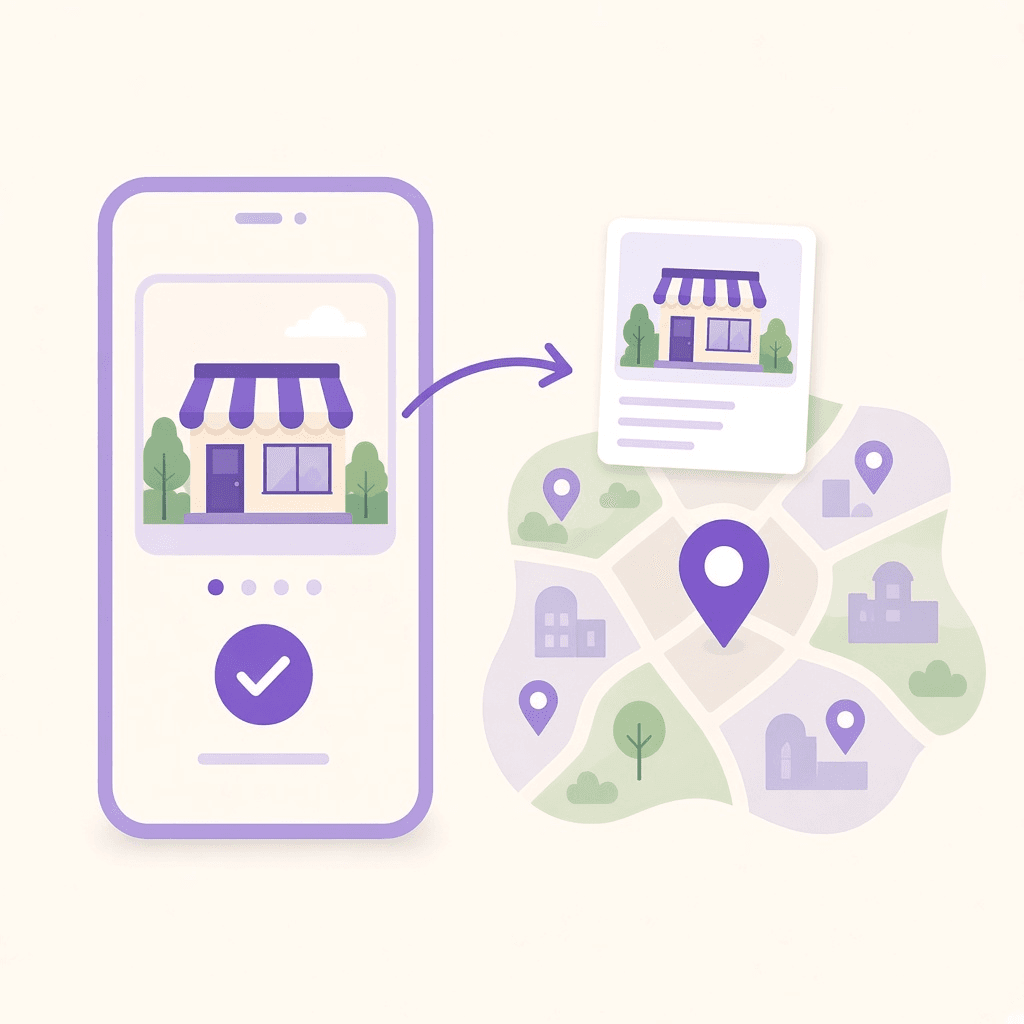
Place the listing where neighbours should find you on the map.
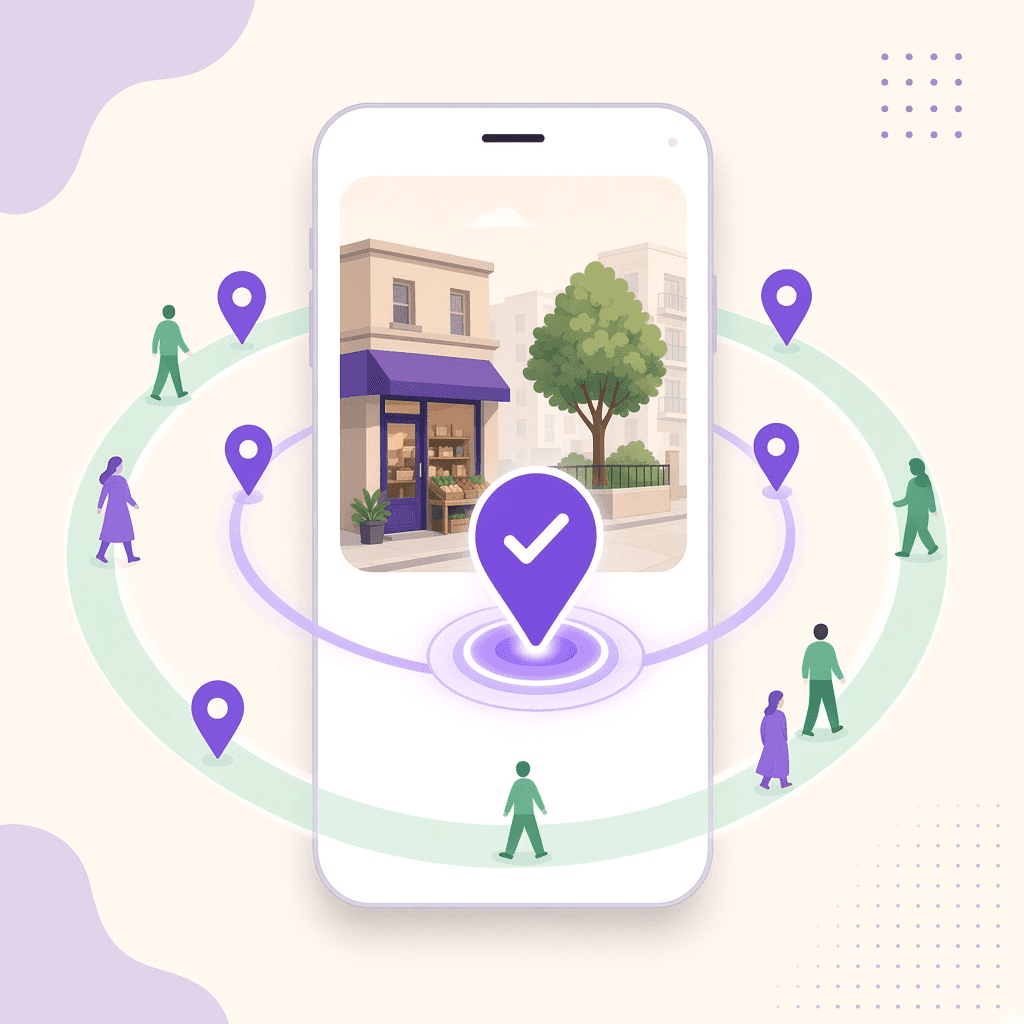
Publish when ready. Then grow with outlets and partnerships.
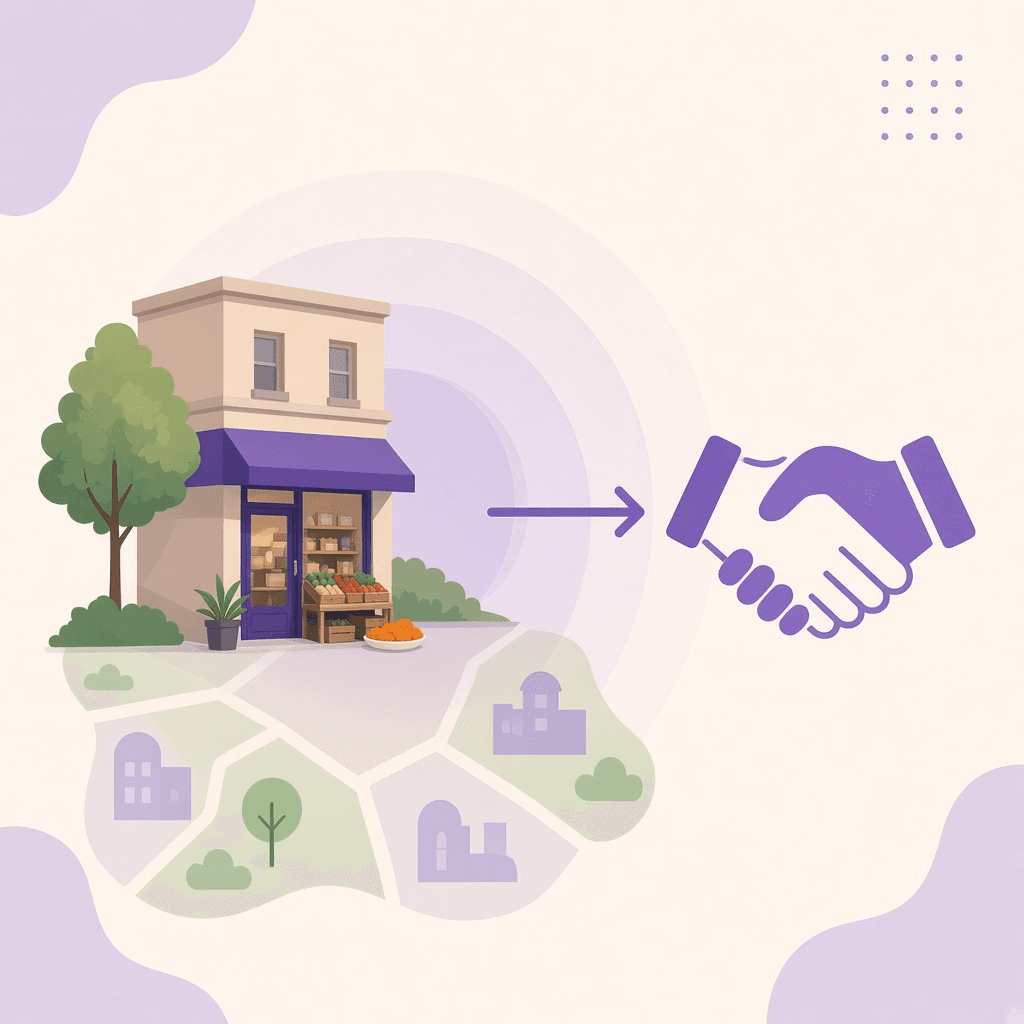
02 · Outlets & partnerships
Add neighbourhood outlets or service points from Your Business Dashboard. Propose a collaboration with another NearPados business so a joint offer reaches people around the places you both serve.
Expand presence across real locations—and co-promote with shops nearby.
Talk about a collaboration
Pin each shop or service point you want neighbours to discover.
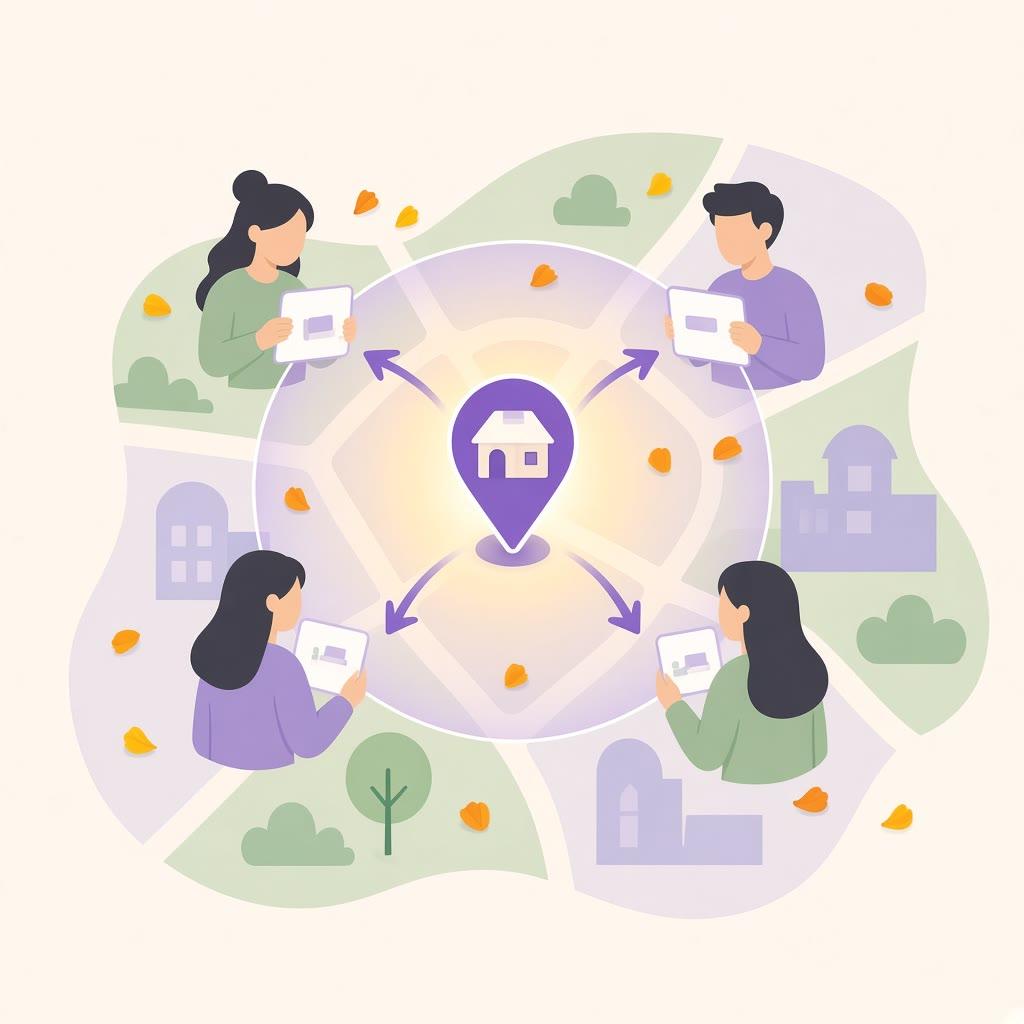
Draft a collaboration with another listing in the same neighbourhood.
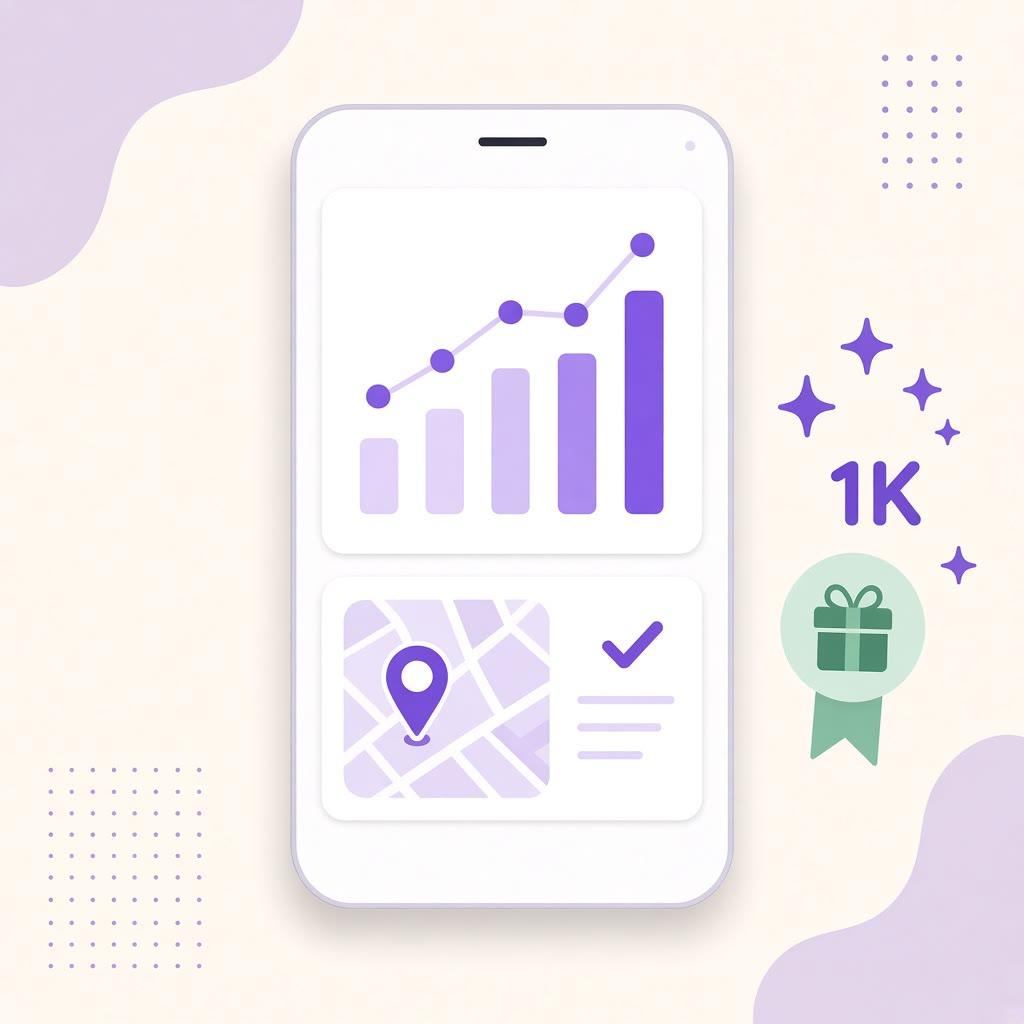
Review available business activity for reach and engagement.
03 · Radius-based marketing
Offer campaigns use location radius and dates around a selected outlet. You choose how far to grow from each shop—tight for one counter, wider as you add outlets. Eligible, opted-in neighbours can see a relevant offer nearby—and during Pujo when that context applies. Crowd Pulse stays separate.
Freedom to grow: set the location radius that matches your ambition for each outlet.
Offers & radius guide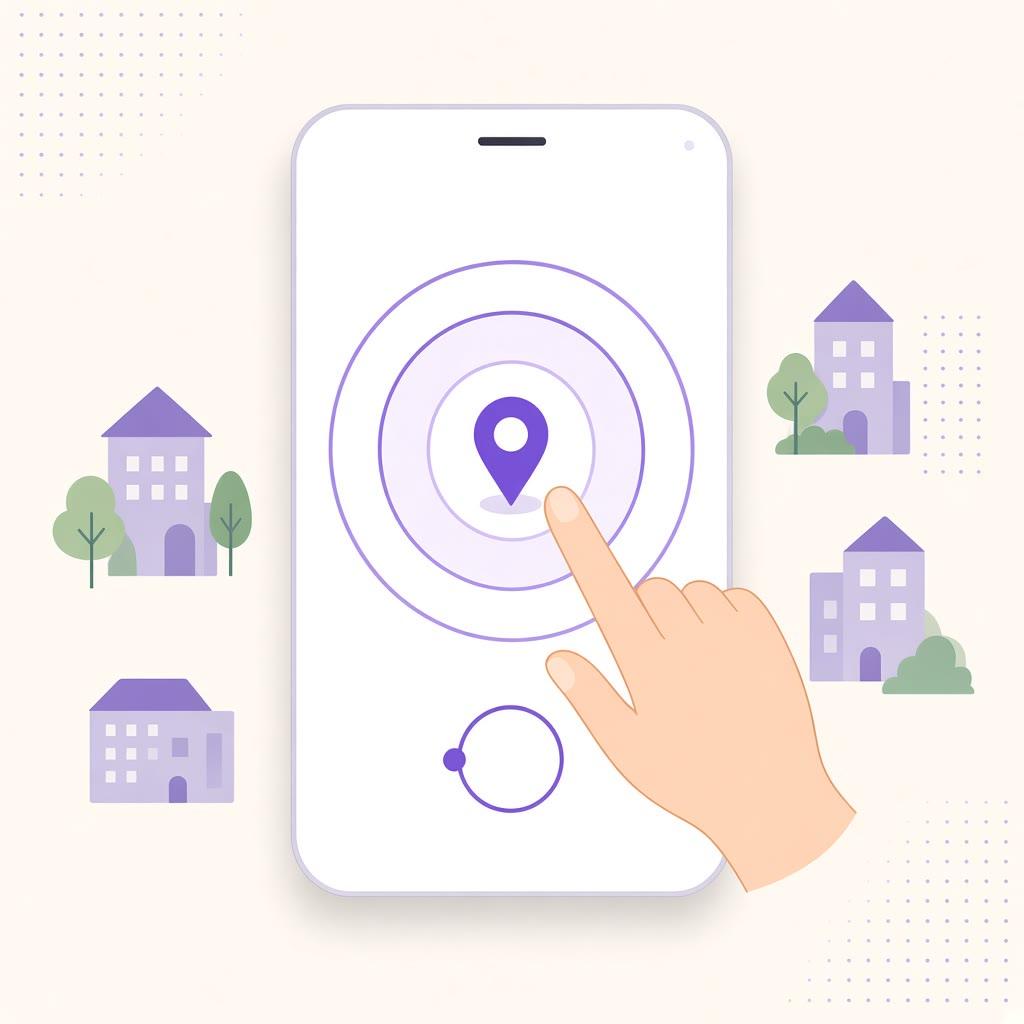
Set how far an offer reaches from each outlet—your location radius, your growth.
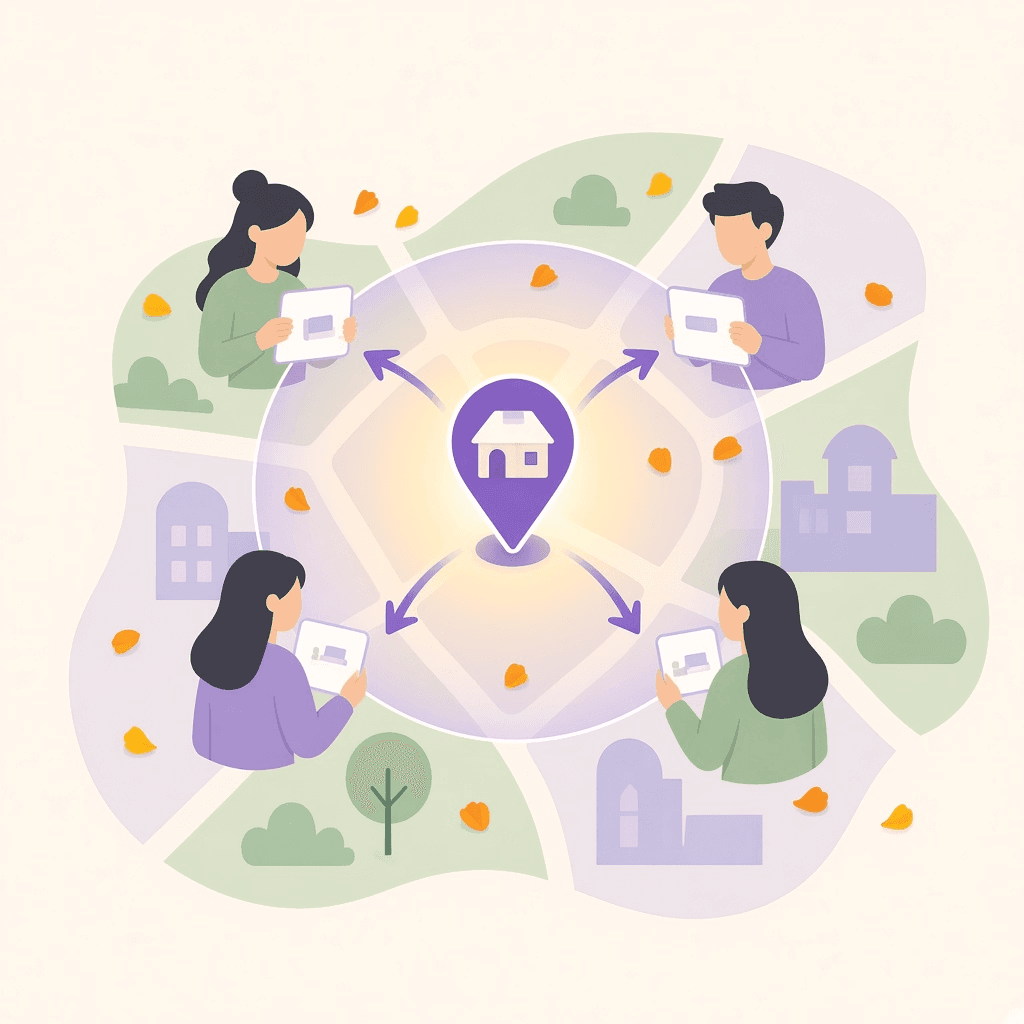
Eligible campaigns can notify opted-in neighbours in that radius.
Views and delivery are signals—not a promise of visits or sales.
04 · Storage hub & sell (next)
Anyone with stock—a shop storeroom, a neighbourhood warehouse, or a brand buffer—can list what they hold and sell through the NearPados platform. FMCG and local brands can place inventory in trusted hubs and reach neighbours with the same location-radius tools shops already use.
Turn storage into sellable presence: stock holders grow sales; brands get neighbourhood reach.
Start with a listing todayShops, hubs and stock holders publish real inventory—not empty catalogues.
Reach neighbours around the hub with the same location-radius offers.
FMCG and local brands can place stock where demand already lives nearby.
Feature availability depends on your account, area and app version. Adding a listing does not automatically verify a business. Campaign delivery depends on eligibility, preferences and permissions.
Local connection, with care
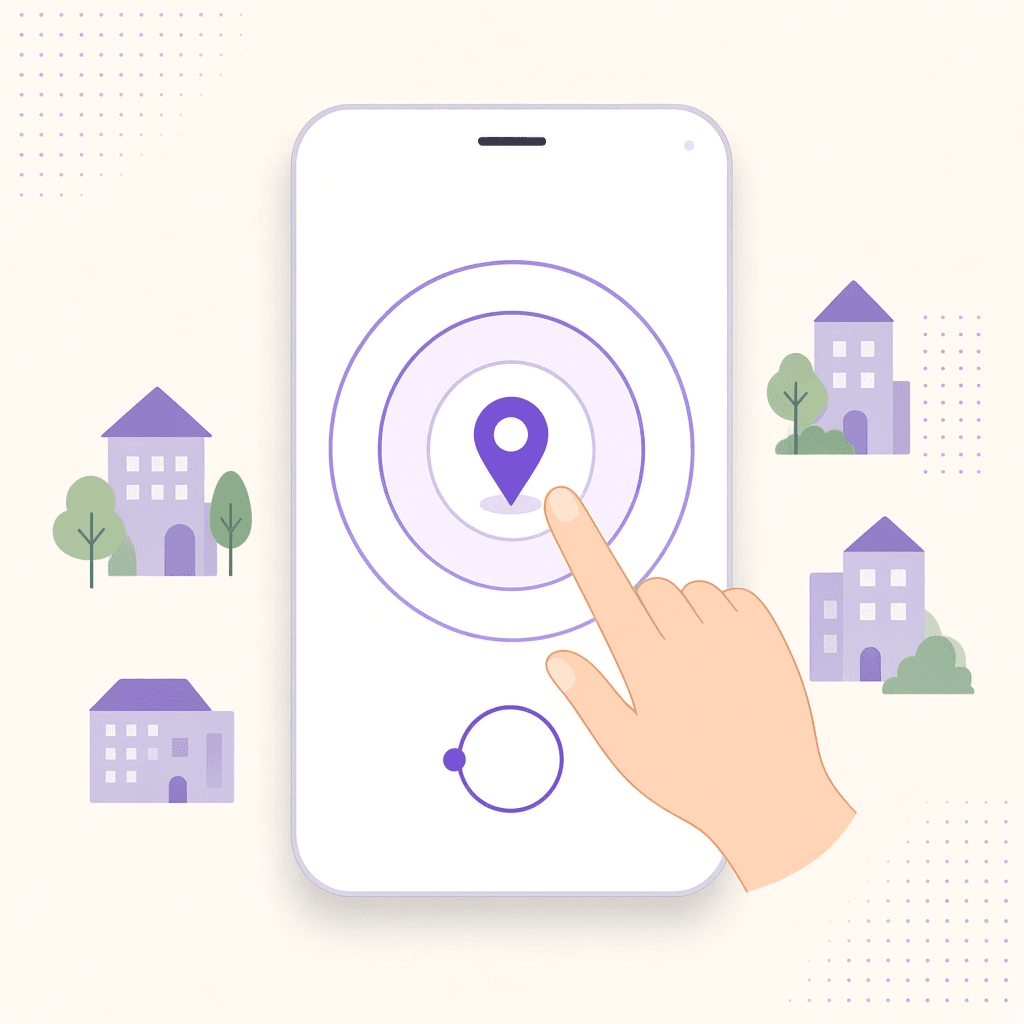
Current device location, a saved area or a manually selected locality are different choices. Allow location when you want nearby results; choose an area manually if you prefer.
Location & radius guide ↗Nearby People depends on visibility, location and eligibility. Community maps use approximate locations rather than another person’s exact GPS pin.
Read our privacy policy ↗Report inappropriate content, block unwanted contact and reach support. Emergency Hub complements official emergency services; it does not replace them.
Messaging, reporting & blocking ↗Start with what’s around you